
Flash characteristics
Flash working environment has a wide palette of tools and possibilities, as it is shown on the pictures below.
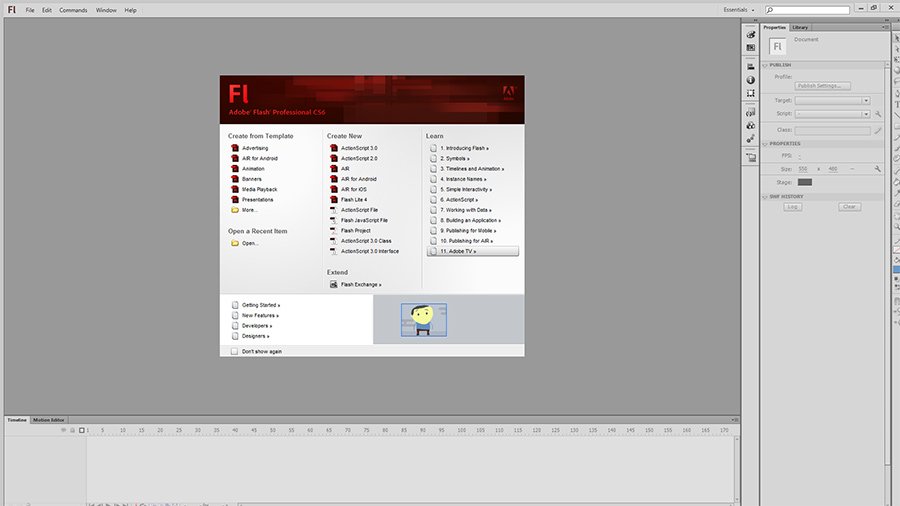
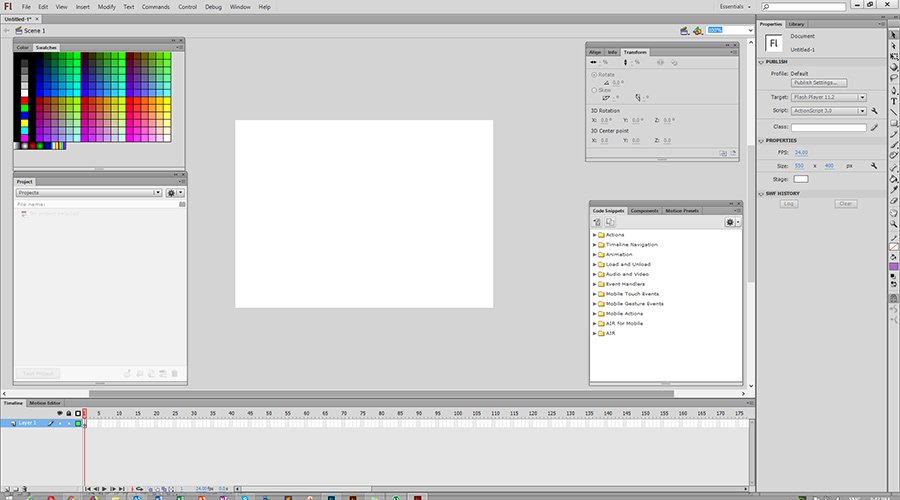
Stage:
Stage is big, rectangular area in working space where you will make and place whole content for your movie. When the movie is played, it shows up on the stage. You can draw or put new objects in the stage, for your movie. Default colour for the stage is white. Background colour can be changed or even bitmap graphics can be put in as a background. Tools, such as rulers or coordinate nets, can help in drawing and positioning.
Working environment:
A grey area that circles the stage is known as working environment. It is used in work with animated objects that will be put on or taken off the stage.
Toolbox:
It contains all the tools that needed to create or modify Flash illustrations. There are tools for drawing, painting, selecting and rediging. There are 4 sections in Toolbox: Tools (selection, drawing and painting tools), View (tools for adjustment the way you are seeing the stage), Colors (tools for changing shapes and colours) and Options (shows modifications for tools selected in that moment).
Timeline:
It is used to organize content of your movie with layers and frames. Layers let you determine an order of appearance of objects and interaction between them. Frames determinate which content appears in which moment of the movie. When a frame form the movie is selected, a whole content from all layers, including the selected frame will be shown on the stage. Timeline can change size and let you to determine a number of layers shown.
Panels:
In Flash, panels contain options for work with objects, colours, text, examples, frames and whole movies. It can be also used for watching, organizing and changing elements in the movie. Every panel controls certain area. For example, you can use Colour Mixer panel for making and preparing colours. Default panel disposition contains Color Mixer, Color Swatches, Components, Answers, Actions and Properties panels. Panels can be put on every place on monitor, or it can be locked under the work environment and timeline or right from it. You can either use default panel sets, or you can make your own and save dispositions that suits for you, on the panel. Panels can be opened, closed, or it can be moved.
Property Inspector:
It provides informations about a document you are working on, or about specific objects inside a movie. When there is no object selected, attributes from the movie you are working on, will appear. If an object is selected, the most used attributes for that object will appear, whether it is a symbol, line, bitmap, video, group, frame or a text. This simplifies designing process allowing you to make changes of a document or object for menu using or panels.
